

Everything You Need to Manage Legal Work.
Lawraze helps law firms manage clients, cases, documents, and time tracking in one secure platform — reducing administrative work and keeping every matter organized.






Managing a Law Firm Should Be Organized, Not Overwhelming
Scattered Client Information
Client details are often stored across emails, spreadsheets, and different tools, making it difficult to access case history and stay organized.
Missed Court Deadlines
Without a reliable system to track important dates and hearings, critical deadlines can easily be overlooked.
Inaccurate Time Tracking
Billable hours are frequently lost due to manual tracking, resulting in reduced revenue and incomplete records.
Disorganized Legal Documents
Legal files and case documents often lack proper structure, making it time-consuming to locate important information when it matters most.
Meet Lawraze - The Smart Platform Built for Modern Law Firms
Lawraze centralizes every part of your legal workflow in one secure platform. From managing clients and cases to tracking billable time and organizing documents, everything is structured so your firm can operate faster, smarter, and with complete clarity.
- Manage Cases with Complete Control
- Track Case Progress & History
- Save Hours with AI-Powered Summaries

Ask Lawraze
Your legal assistant just a question away.
Ask Lawraze to get things done for you: create matters, add hearings, find information, and more—all with a simple prompt.
Try Ask Lawraze
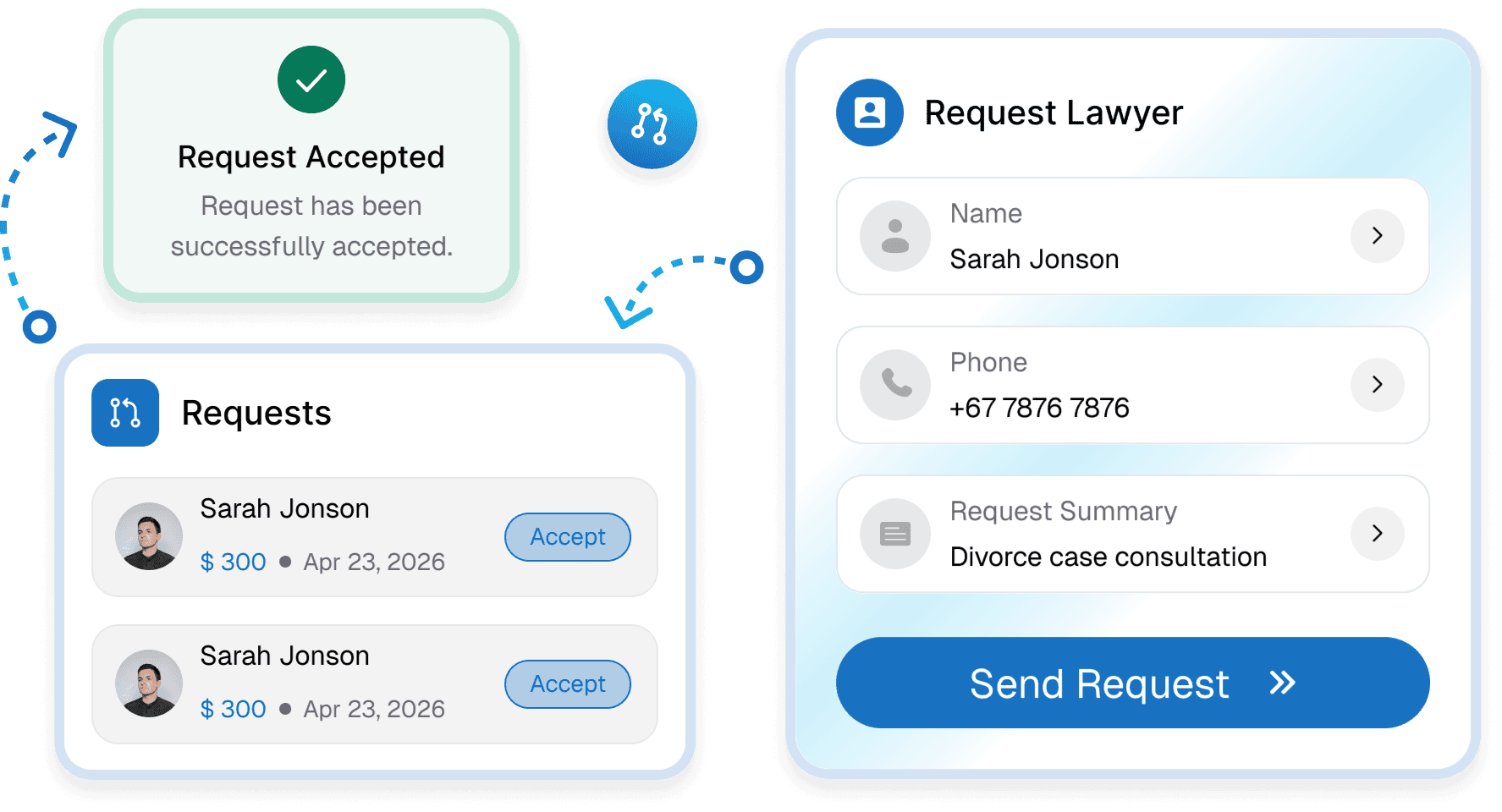
Bring Your Clients Into Lawraze.
Send a request to give every client secure access to their matters, documents, billing, and more.
Client Intakes
Share your profile with clients to receive intake requests.
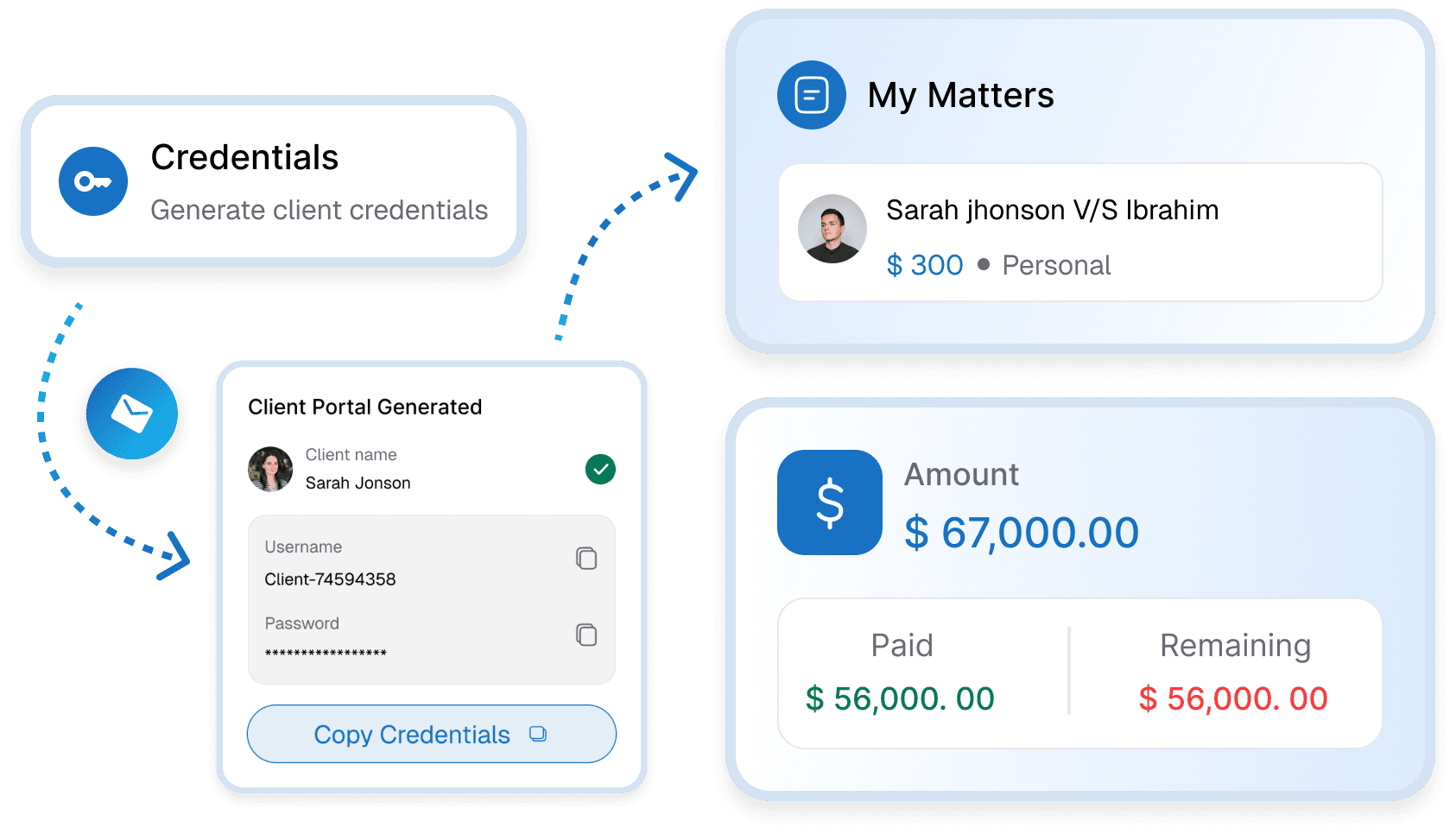
Client Portal
Clients get their own portal to access matters, tasks, billing and more.
Client Management
Store and manage all client information securely in one place.

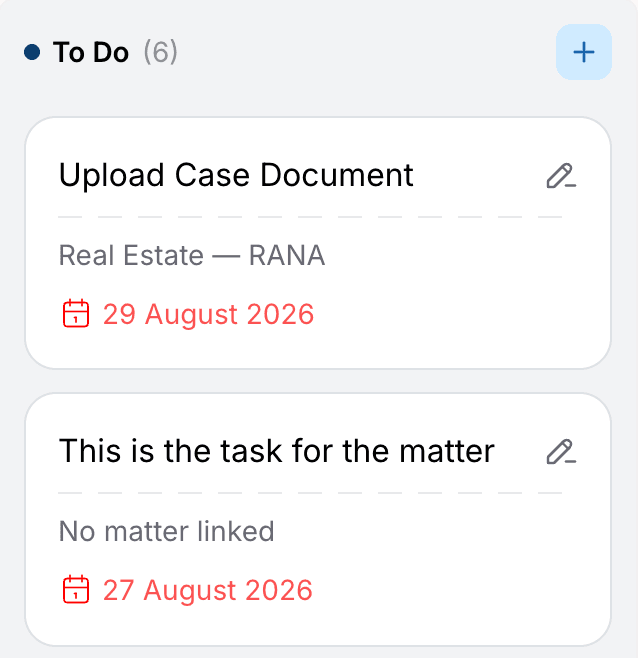
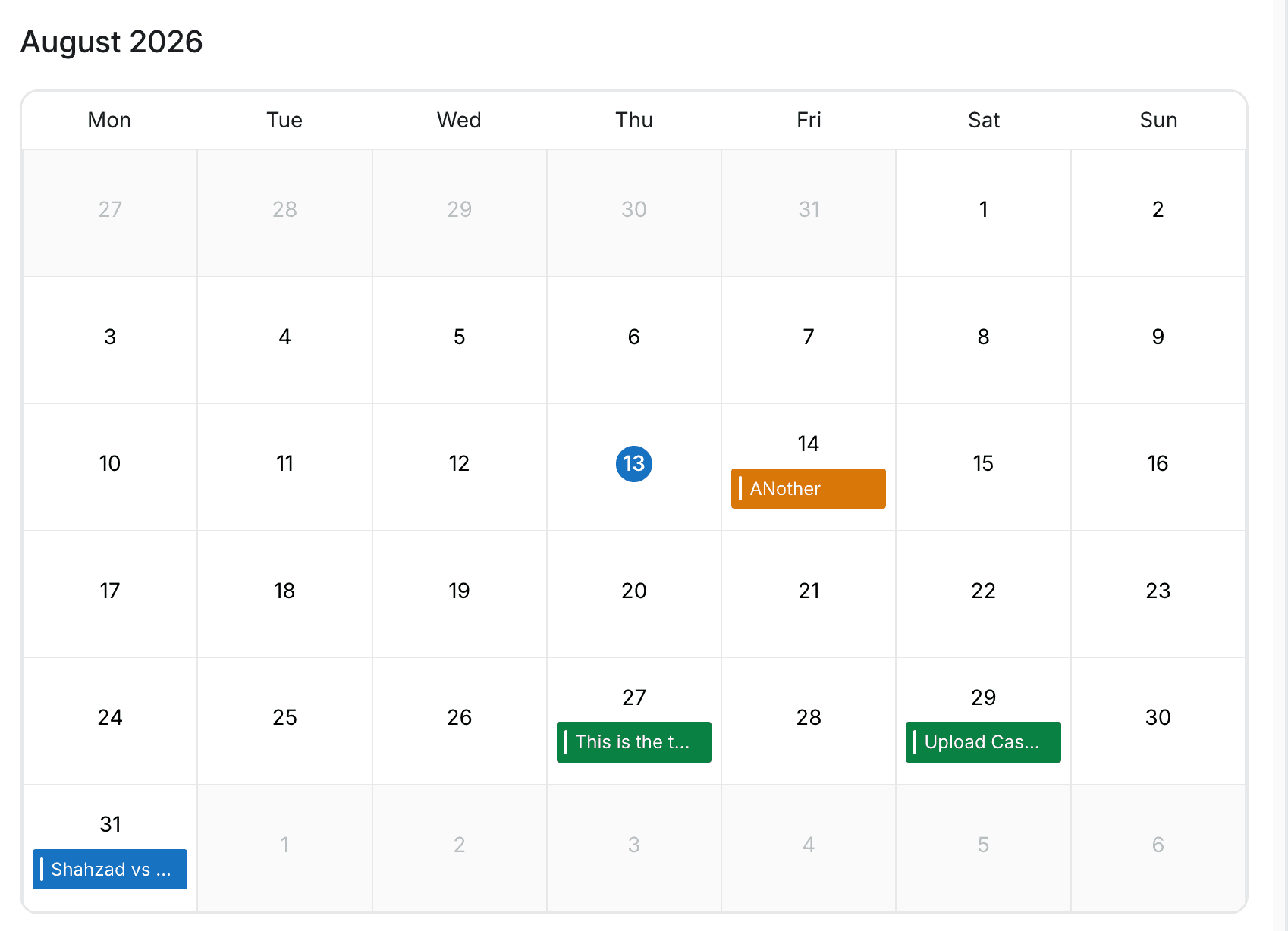
Task Management
Assign and track tasks linked to specific matters and deadlines.
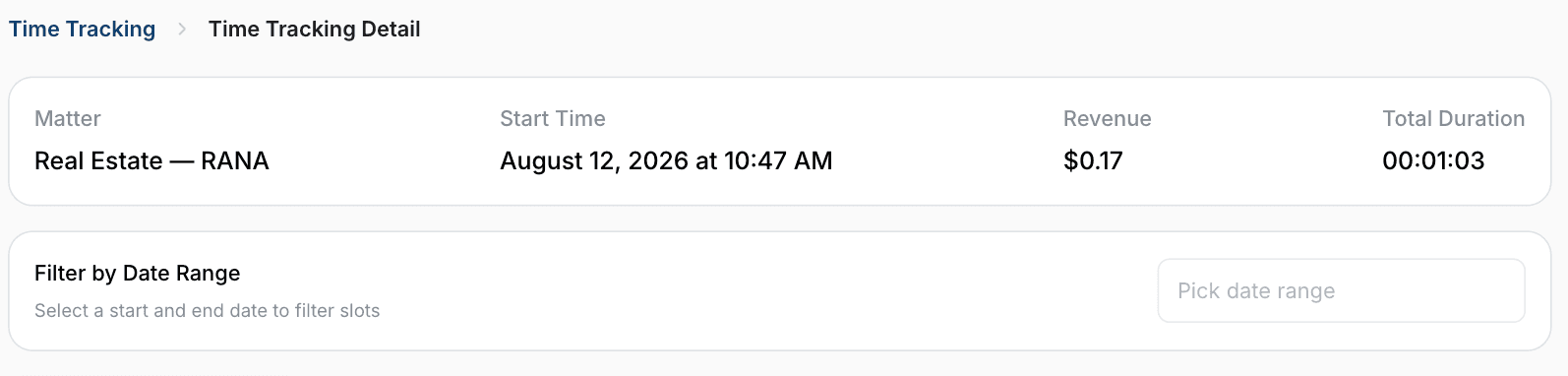
Time Tracking
Track billable hours per matter and generate accurate time records.


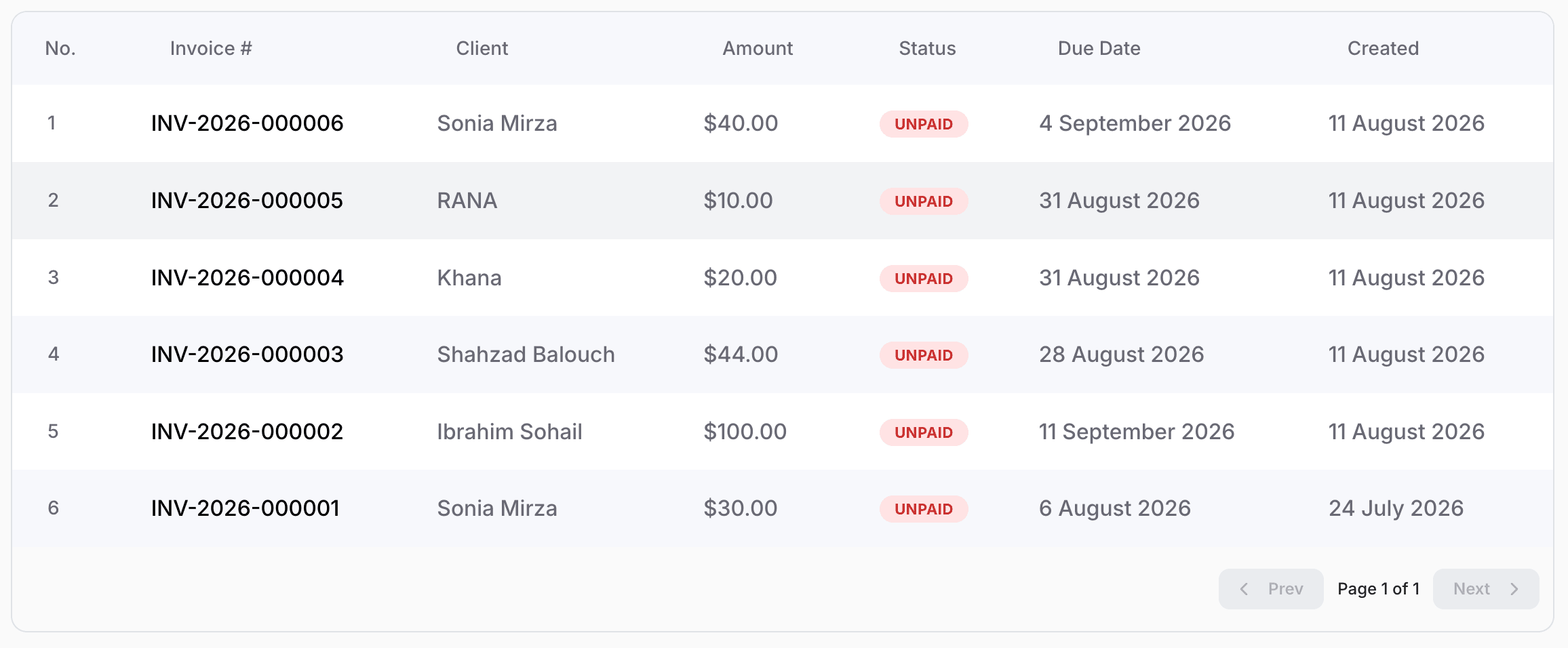
Invoice Management
Automate billing and streamline payments effortlessly.
All Invoices
Experience Lawraze
Manage your entire caseload from your desk or the courtroom with our seamless cross-device synchronization.


A Smarter Legal Workflow
in Three Easy Steps


Create CompleteClient Profiles
Add detailed client information including contact details, case history, and linked matters. Keep every interaction structured and easily accessible.